Building your own content management system isn’t something you decide on a whim. It’s a big commitment, but if you pull it off, you get complete control over how your site or app handles content with no more bending to the quirks and limits of WordPress or similar off-the-shelf systems. If you want speed, flexibility, or features you can’t find anywhere else, then, honestly, building your own CMS can make a lot of sense. I’ve been through this process on real projects and picked up plenty of lessons and scars along the way. Here’s a practical breakdown of what actually works, what doesn’t, and what you need to keep in mind if you set out to build your own.
Before we get to the point, get real about what you’re signing up for. A custom CMS means lots of coding, planning, and you’ll be responsible for maintenance for the foreseeable future. But when you do it right, the end result feels tailor-made, secure, and efficient. The trick is to focus on what you actually need and don’t waste time cloning every last feature from commercial platforms.

Why Build Your Own CMS?
Most teams eventually hit a wall with off-the-shelf systems. Out of the box, they’re stuffed with features you’ll never use, and all that unnecessary code can slow things down and even open up security holes. Build your own, and you only add the parts you truly need. Forget page bloat. Performance usually drives this decision. With a custom CMS, you shape everything, from how your data flows, to how fast your pages load, to how easily you integrate with your other tools. You care about security? Control over workflows? Data privacy? You get to set the rules. Yes, the build takes more sweat upfront, but if you want long-term flexibility, speed, and control over costs, it’s a solid investment.
Take a good look at where your current system falls short and ask yourself what problems you’re really trying to solve, and resist the urge to start coding before you’ve got solid answers.
Planning: Don’t Rush This Part
If you skip anything, don’t let it be planning. Talk to everyone who’ll use the system like writers, editors, devs and/or your admin team. Ask what slows them down, what features they wish they had, and lay all that out into user stories. Map how your content gets created, reviewed, and published. Decide early what kinds of content types you’ll manage, and how they relate to each other. Even if you start small, design for growth right from the start. Scrapping your architecture later is expensive and miserable. Lock in your technology stack now; it’s not something you want to rebuild when you’re halfway through. A good blueprint in the planning phase saves you endless headaches later.
Core Development
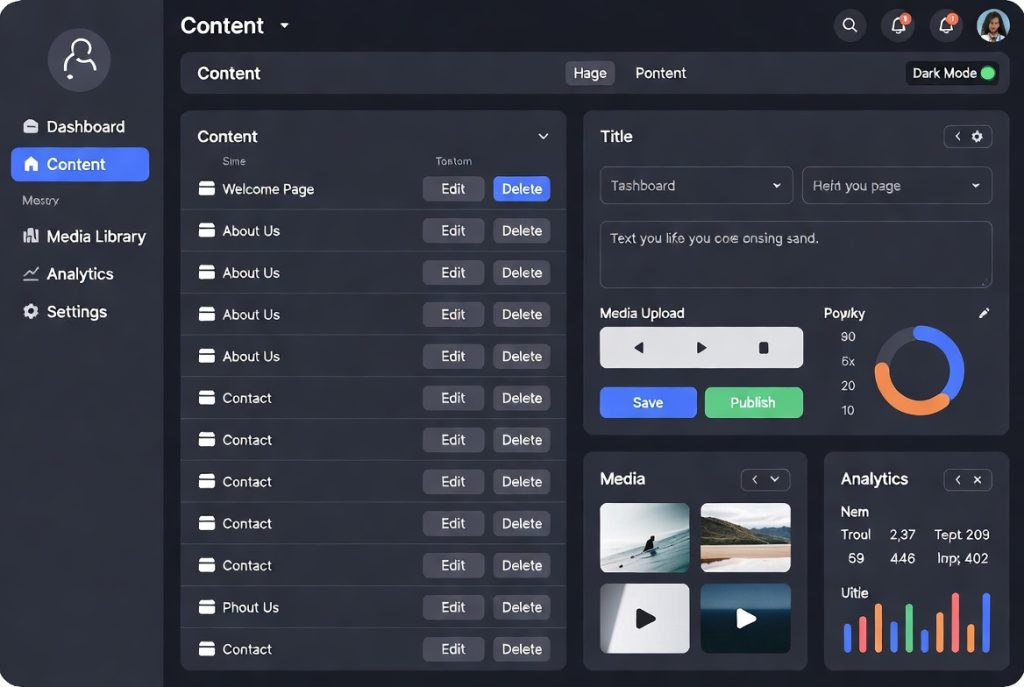
Once you’re ready to build, start with the basics ”authentication and user management”. Don’t ignore security. Then, get to work on your core: a content modeling system that’s flexible but not a mess. Let users set up different content types with custom fields. You’re also going to need a solid rich text editor and dependable media management. Your admin interface? Keep it clean, intuitive, and actually pleasant to use and it makes all the difference for adoption. Write clean code, keep your documentation updated, and cover critical paths with good tests. Build regular security audits into your workflow, not as an afterthought.
If you haven’t done it already, check out Comparison of Top Content Management Systems and see what works and what falls flat and you’ll spot design pitfalls before you stumble into them yourself.
Deploy, Scale, Maintain
Building the thing is only part of the journey. Now you’ve got to launch it, keep it running, and scale as you grow. Use tools like containers and automate your deployments so updates don’t turn into all-night marathons. Put real monitoring in place so small problems don’t become big emergencies. As your user base grows, keep tuning for performance and listening to real feedback. Maintenance, security patches, and performance tuning aren’t optional once you’re live.
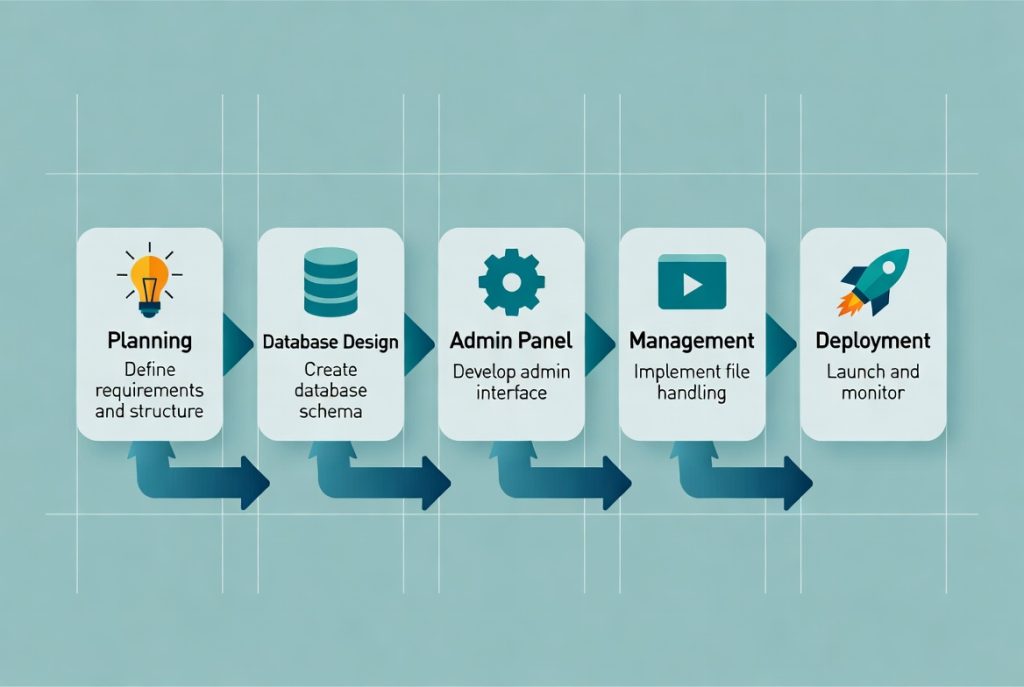
Step-by-Step Plan: How to Build a Custom Content Management System
| Step | Phase | Description | Key Considerations & Tools |
|---|---|---|---|
| 1 | Planning & Research | Define goals, user roles, content types, and required features. Create user stories and wireframes. | Talk to all stakeholders, document requirements, use tools like Figma or Notion |
| 2 | Technology Stack Selection | Choose programming language, framework, and database | Laravel (PHP), Node.js/Express, Django (Python), PostgreSQL or MySQL |
| 3 | Database Design | Design scalable database schema with proper relationships | Focus on normalization, indexing, and future scalability |
| 4 | Authentication & Security | Build user registration, login, roles, and permissions system | Implement 2FA, JWT or sessions, strong password policies |
| 5 | Content Modeling | Create flexible content types and custom fields | Support dynamic fields, taxonomies, and relationships |
| 6 | Admin Panel Development | Build the main dashboard and content management interface | Focus on usability, drag-and-drop, bulk actions, and responsive design |
| 7 | Media & File Management | Implement image/video upload, optimization, and organization | Add auto-resize, CDN support, and storage management |
| 8 | SEO & Performance Features | Add SEO tools, caching, and performance optimization | Meta tags, sitemaps, image optimization, caching layers |
| 9 | Testing & Quality Assurance | Perform thorough testing including security and performance | Unit tests, security audits, load testing |
| 10 | Deployment & Maintenance | Deploy the system and set up monitoring & update processes | Use Docker, CI/CD, monitoring tools (e.g., Sentry, New Relic) |
Final Thoughts
Learning how to build a custom CMS isn’t just good for your resume but it’s about owning your digital infrastructure. It’s a demanding road, but the flexibility and control you get can change how your project runs. The best custom CMS builds are obvious: clear goals, thoughtful design, and a habit of continuous improvement. Keep your eyes on real needs, not flashy add-ons, and aim for a great user experience. With focus and sustained effort, you’ll end up with a content system that does exactly what you need and nothing you don’t.