
File
Manage this user's file management
File overview
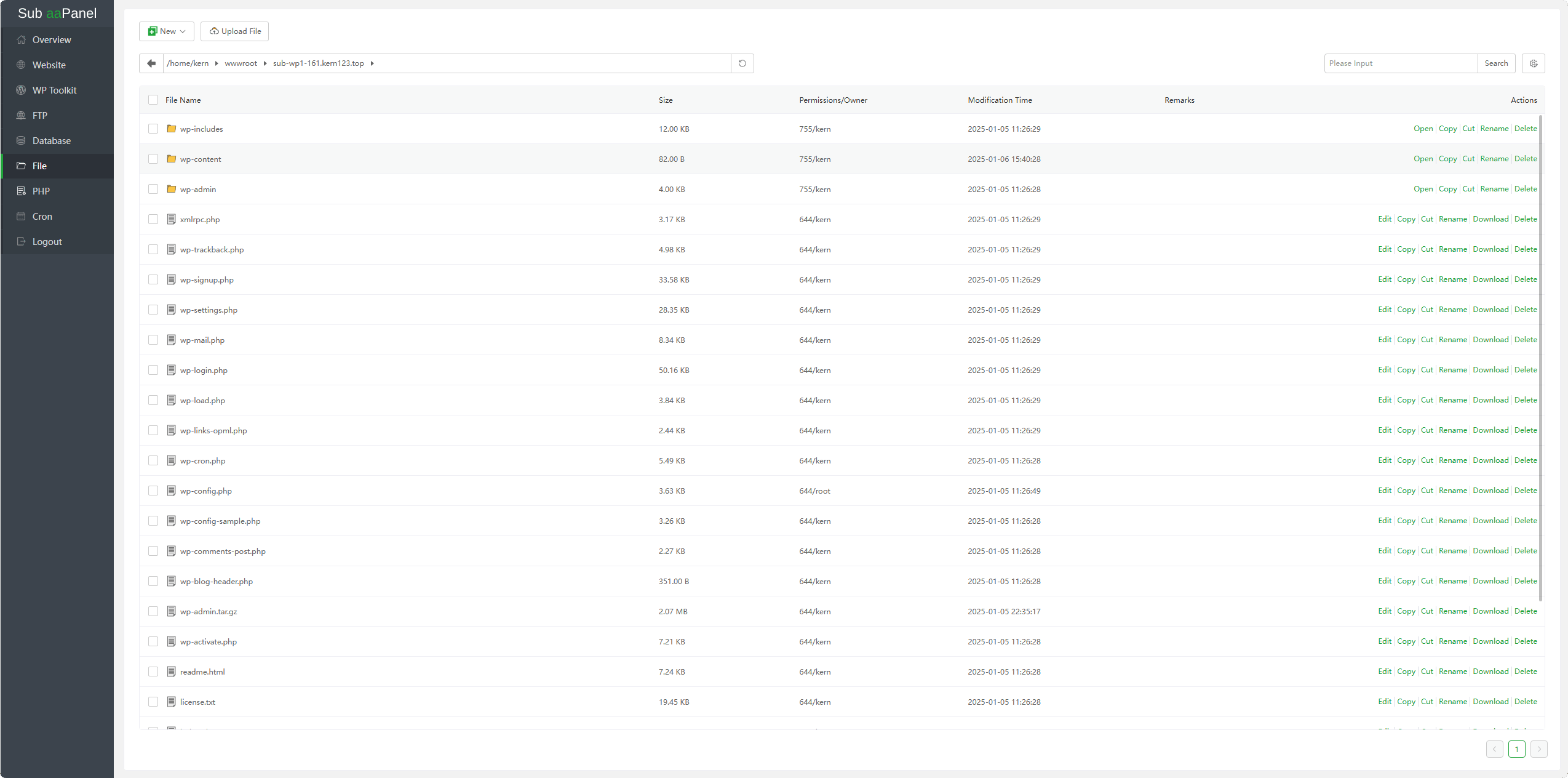
| Function | Describe |
|---|---|
| New | Add a file or directory |
| Upload File | Upload one or more files |
| File Name | Display file or directory name |
| Size | Display file size |
| Permissions/Owner | Display the permissions and owners of a file or directory |
| Modification Time | Display the modification time of a file or directory |
| Remarks | Remarks for files or directories |
| Open | Enter the specified directory |
| Edit | View and edit specified files |
| Copy | To copy file or directory, select the file or directory and click Copy. |
| Cut | To cut file or directory, select the file or directory and click Cut. |
| Paste | After copying or cutting, can paste files or directories. |
| Download | Download the specified file |
| Rename | Rename file or directory |
Modify the permissions of a file or directory | |
| Compress | Compressed file or directory |
| Decompress | Unzip compressed files |
| Attributes | View the properties of a file or directory |
| Delete | Deleting files or directories cannot be restored after deletion. Please back up and operate with caution |
New
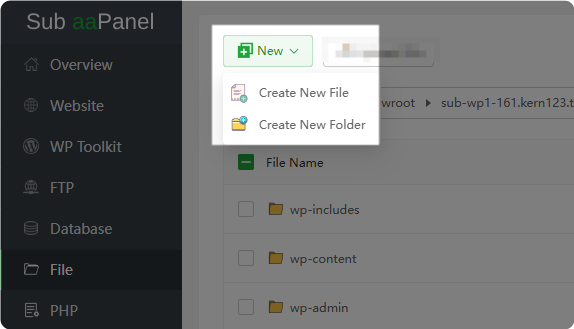
Create New File
Create a
new file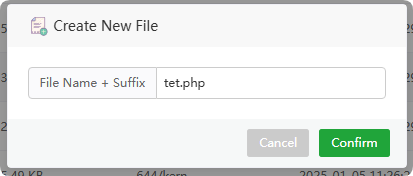
Create New Folder
Create a
new directory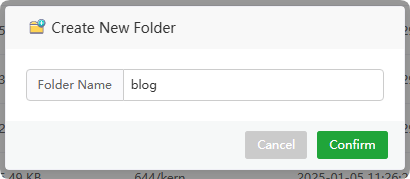
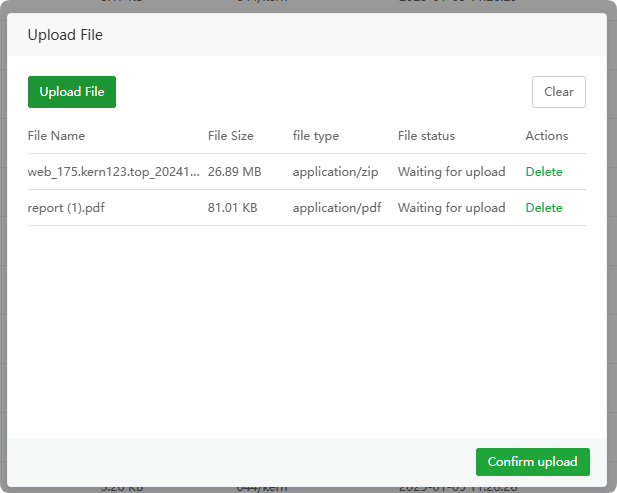
Upload File
Upload files to the specified directory
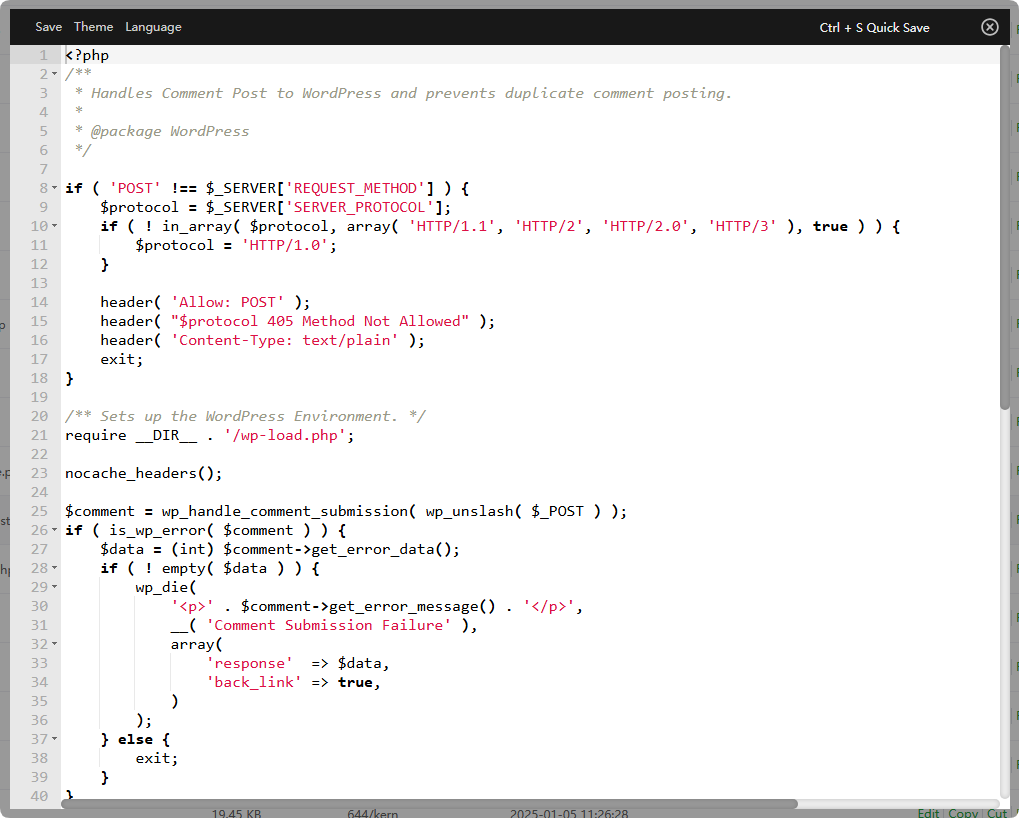
Edit
Online editing of files in php, txt, html and other formats
Modify Permissions
Modify permissions of the file or directory. The default website file permissions are 644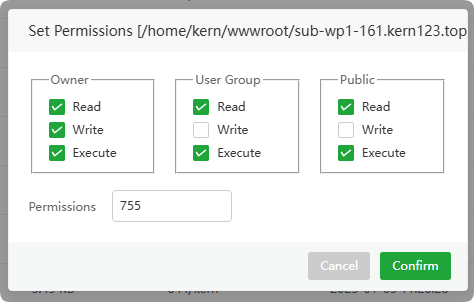
Attributes
View basic information about a file or directory 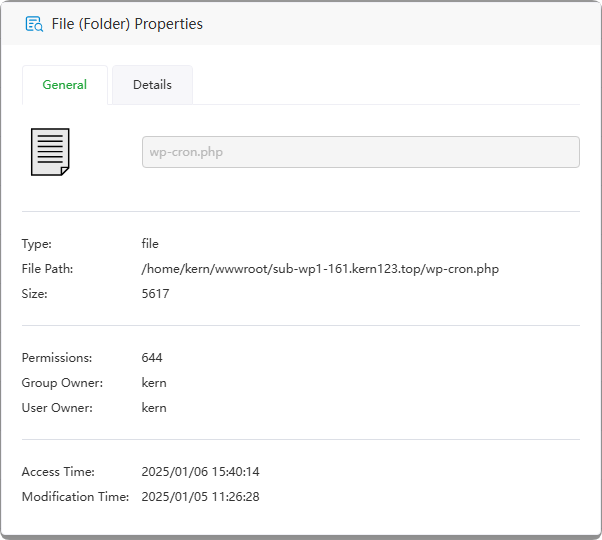
View detailed information about a file or directory 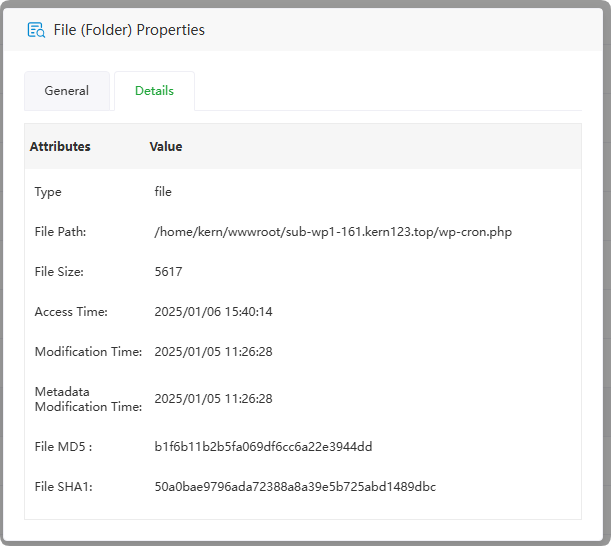
Compress
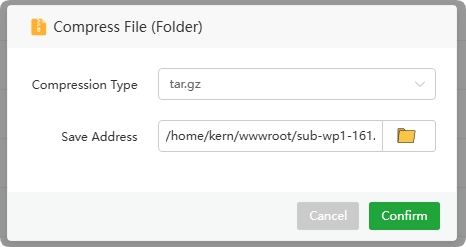
Compress files or directories to a specified directory
Decompress
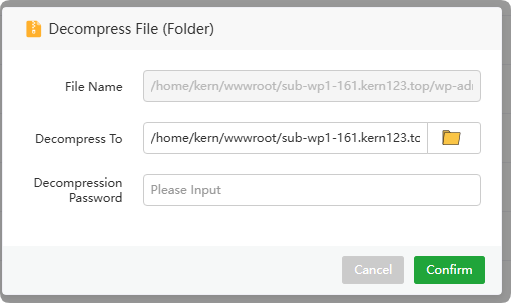
Unzip zip, gz and other files to the specified directory
File navigation bar
Click or enter the directory path to quickly navigate to the directory. 