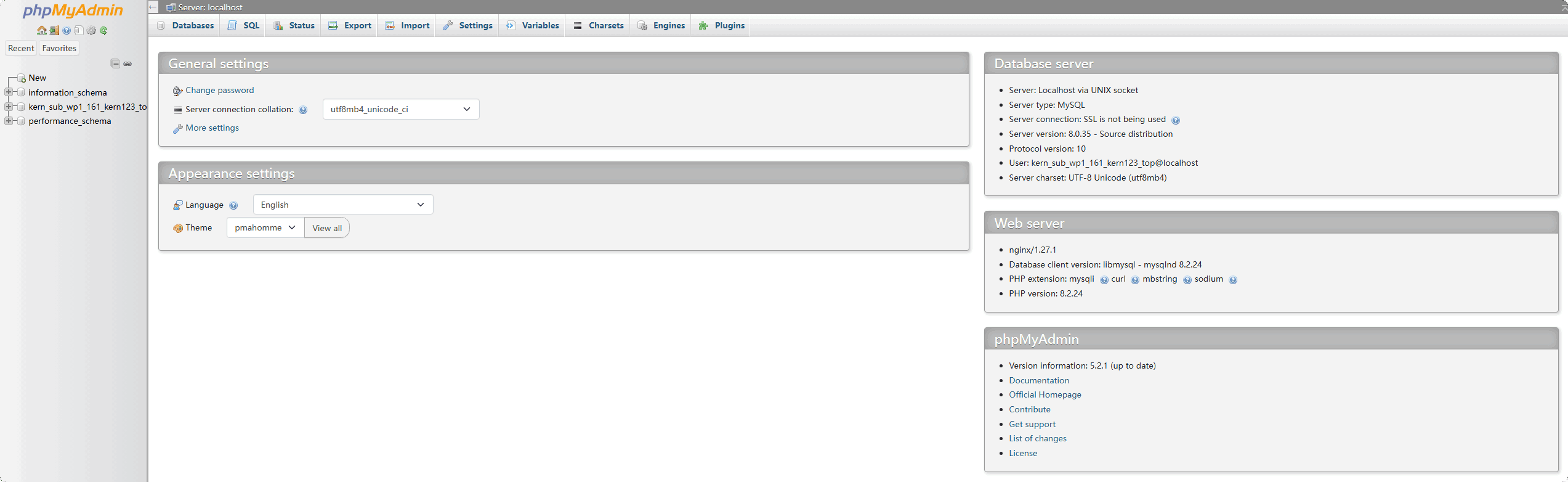
Database
Need to install
MySQLin theApp Storeof themain aaPanelbefore it can be used normally.
Need to install
phpMyAdminin theApp Storeof themain aaPanelbefore it can be used phpMyAdmin normally.
Database overview

| Function | Describe |
|---|---|
| Add Database | Add a MySQL database |
| Database Name | Display the current database name |
| Username | Display the user name of the current database |
| Password | View, copy the password of the current database |
| Backup | Displays the number of backups of the current database. Click to Backup, Restore, Download, Delete backup files |
| Permissions | Display and set user login permissions for the current database |
| Remarks | Display and set the remark information of the current database |
| Import | Upload the backup database file |
| phpMyAdmin | Use phpMyAdmin to manage databases |
Modify the user password of the current database | |
| Delete | Delete the database. Once the database is deleted, it cannot be restored. Please back up first before proceeding. |
Add Database

| Function | Example | Describe |
|---|---|---|
| Database Name | kern_EzeMAy | Enter database name |
| utf8mb4_danish_ci | utf8mb4_danish_ci | Select the character of the database |
| Username | kern_EzeMAy | Enter database user name |
| Password | bf2171513ffee | Enter the password of the database user |
| Permissions | Local | Login permissions: Specified IP, Everyone, Local |
| Remarks | Database remarks |
Backup
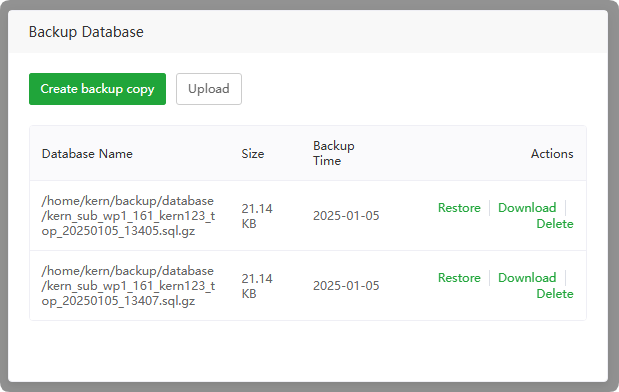
Create backup copy : Click to create a
database backup fileUpload :
Uploaddatabase backup fileDatabase Name : Display the database
storage pathof the backup fileSize : Display the backup
file sizeBackup Time : Display the
creation timeof the backup fileRestore : Click to
restorethe database. It is recommended to restore the databaseafter backupto avoid loss caused by data overwriting.Download : Click to
downloadthe database backup fileDelete :
Deletedatabase backup files
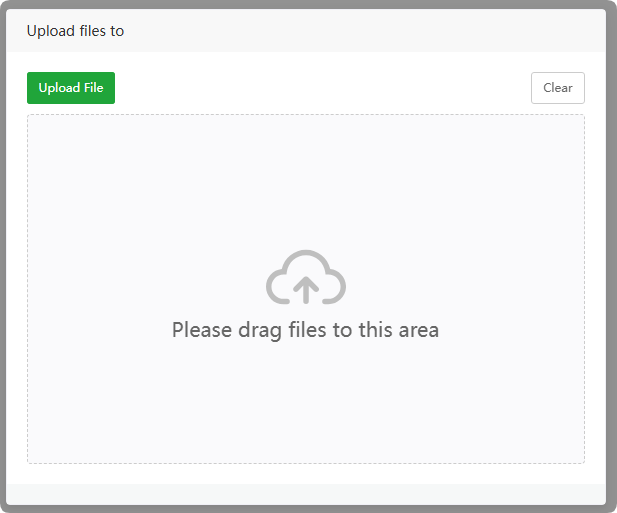
Import
Upload database backup file for recovery
Permissions
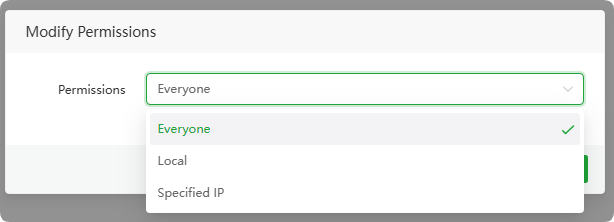
Specified IP : Only the
specified IPcan be logged in using the database user and password.Everyone : Allow
all IPsto log in using the database user and passwordLocal : Only local login is allowed, that is:
127.0.0.1,localhost
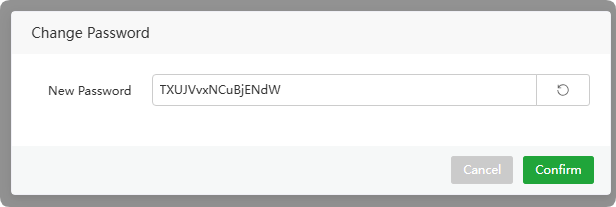
Change Password
View and modify the user password of the current database
phpMyAdmin
Need to install
phpMyAdminin theApp Storeof themain aaPanelbefore it can be used phpMyAdmin normally.
Use phpMyAdmin to manage databases