
Sidebar task center
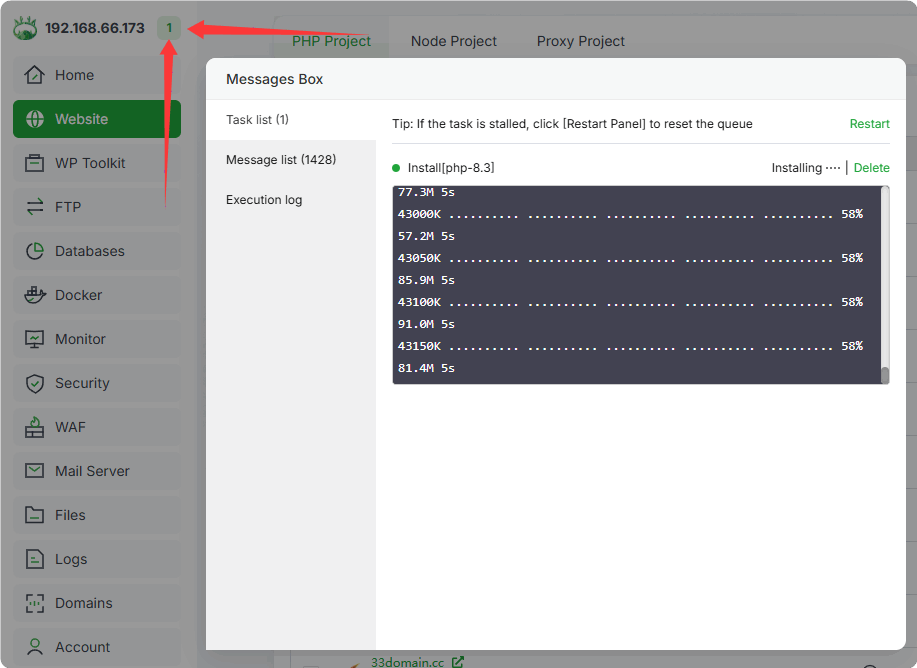
Software installation and update tasks continue in the background. Open the task center from the task count next to the server address at the top of the left sidebar. The count shows active tasks.
| Item | Description |
|---|---|
Task list | Shows waiting and running tasks, including live installation output. Use Delete to remove a task from the list. |
Message list | Shows the history of software installation and update operations. |
Execution log | Shows the panel task execution log. Check it when an installation or update fails. |
For more installation details, see /tmp/panelExec.log or /tmp/panelShell.pl.