
Site Related FAQs
Deployment site recommendations:
- Go to the official website of the website program to check the
environment deployment requirements, such as PHP version, PHP extension, etc. - Check whether the website program needs to set the
running directory, such as:public - Check whether the website program adds
URL rewriterules
Website not found
Error diagram: :
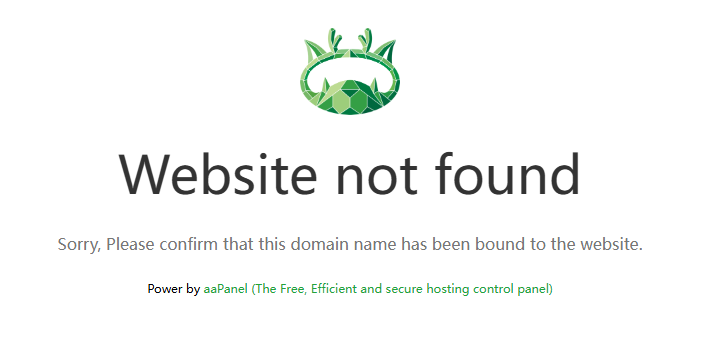
Check whether the domain name of the website
visited is correct. The domain name of the added website must be consistent with the domain name visited.Check if aaPanel adds a site
with this domain nameCheck whether the
access protocolis correct? Ifno SSLcertificate is deployed, useHTTPaccess. Or deploy an SSL certificate before accessing.Some browsers use
https to accessthe website by default. Pleasedeploy SSL certificatebefore accessing.Reloading to the web service may not be successful, try
restarting web service: Nginx / Apache / openlitespeed
access website 1 and display the content of website 2
Check whether the
access protocolis correct? Ifno SSLcertificate is deployed, useHTTPaccess. Or deploy an SSL certificate before accessing.Some browsers use
https to accessthe website by default. Pleasedeploy SSL certificatebefore accessing.The PHP used by the website uses
RedisorMemcachedto storeSession. You can try to change the Session stored in PHP usingFileto check if it can solve the problem.Using
Cloudflare, aaPanel's website also needs todeploy SSL certificate.
Website is attacked, prevent attacks
- Please refer to: Defend Against Website CPU 100% Attacks: Long-Term Protection
403 Forbidden
Error diagram: :

Please check whether the accessed
file/directory permissionsare correct. The default file permissions of aaPanel are644or755and the file owner iswww. 644/wwwPlease check the
site configurationto see if there are anyrules deny access.Please check the website's
error log:Domain --> Response log --> Error Log
404 Page Not Found
Error diagram: :
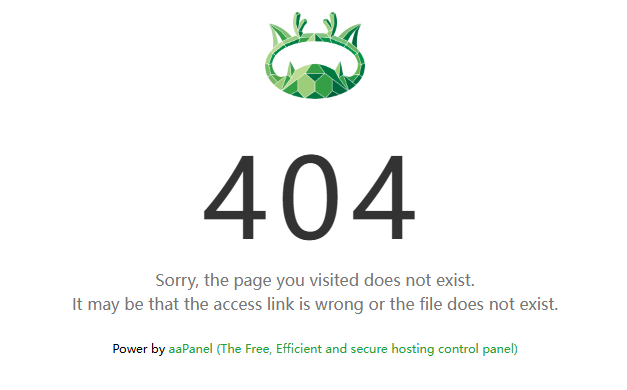
Please check if the
file or directory existsPlease check the
site configurationto see if there are anyrules deny access.Please check whether need to
configure URL rewrite rules. Can check it on theofficial website of the program.Please check whether the
access link is correct?Check whether need to set the
running directory, such as:public, please deploy according to the website program documentation.Domain --> Site directory --> Runtime Directory
500 Internal Server Error
Please check the
error log of the website. Can locate the problem according to the error log.Domain --> Response log --> Error LogPlease check whether there is an
error log in the website program. Can check it in the website program directory.Check whether
security softwareis installed.
502 Bad Gateway
Please check whether the
PHPused by the website is activated, Can go toApp Store --> Installed --> PHP-Versionto checkIf it is a
reverse proxy, please check whether theconfiguration is correct? Check if thetarget server can be reached? Check whether thebackend service is normal? Can also check the website’serror logfor troubleshooting.
DNS_PROBE_FINISHED_NXDOMAIN
Domain name resolution failed, please check whether the domain name is correct and whether
domain name A recordresolution has beenadded.It will take some time for the solution to be added to take effect, please be patient.
Check whether the domain name is
entered correctly?Local
DNS cacheproblem, try clearing the DNS cache and access again.
ERR_CONNECTION_TIMED_OUT
Please check whether the port used by the website is
openin the server provider'ssecurity group? The default is port 80, 443.Please check whether the
web serviceare using is started?Please check whether the connection between the local network and the server network is normal?
SSL certificate application failed
Domain name resolution failed. Please check whether the domain name is correct and whether a domain name resolution
recordhas beenadded.Prompt 404 error, please try to
restart web service.
fileinfo related
Install the extension
fileinfoinApp Store --> Installed --> PHP-Version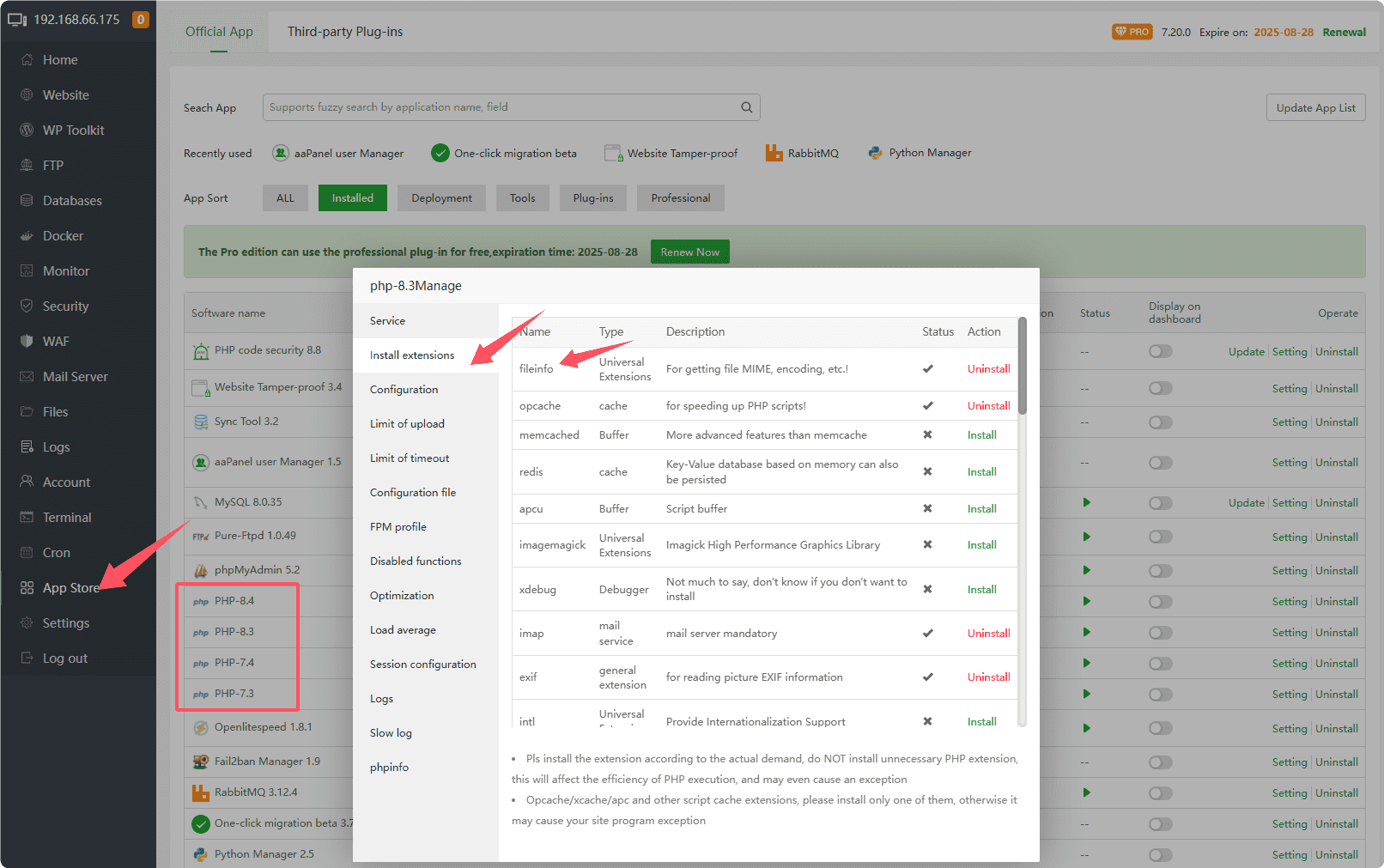
After installing fileinfo, it still prompts that the fileinfo extension does not exist.
To take care of the installation of machines with small memory, aapanel uses the disabled fileinfo parameter by default.
You can use the ssh tool to log in to the server, and use root permissions to execute the command to install PHP. PHP with fileinfo turned on by default
- Download the php compilation and installation script
wget -O php.sh http://node.aapanel.com/install/0/php.sh- Replace disabling the fileinfo parameter with enabling it
sed -i "s/--disable-fileinfo/--enable--fileinfo/g" php.sh- Install php-7.4, if it is not 7.4, please
replace 7.4with your php version
bash php.sh install 7.4shell_exec,putenv etc. PHP functions
Disabled by default to improve PHP security shell_exec,putenv If you need to enable it, please go to App Store --> Installed --> PHP-Version --> Disabled functions to delete it, and restart php service.
Or add # comment in the configuration file disable_functions And restart PHP service
Error establishing a database connection
Please click to FAQ Databases
Feedback or Suggestions
If you encounter problems or suggestions during use, please contact us through the following methods:
- (Please describe in
detailor providescreenshots)
Email: [email protected]
Discord: https://discord.gg/Tya5yceBpd
Telegram: https://aapanel.com/tg
GitHub: https://github.com/aapanel/aapanel
If you like aaPanel, please give it a Star