
MongoDB
Management Local and remote MongoDB
MongoDB Overview

| Function | Describe |
|---|---|
| Add DB | Add database to local MongoDB or remote server MongoDB |
| Root Password | Change root password of local MongoDB |
Enable or Disable security authentication | |
| Remote DB | Add or manage databases on remote servers |
| Sync all | Synchronize the database list of aaPanel to local MongoDB |
Obtain the database list from the local MongoDB or remote server and synchronize it to aaPanel | |
| Database name | Display current database name |
| Username | Display current username |
| Password | View, Copy the password of the current database |
| Backup | Displays the number of backups, click on it to display Backup, Download, Restore, Delete the current database file |
| Import | Upload, Select files and import them into the current database |
| Position | Displays the physical storage location of the current database |
| Note | Display the note of the current database |
| CHG PW | Change the password of the current database |
| Delete | Delete current database, Tip: Please make a backup before deleting |
Add DB
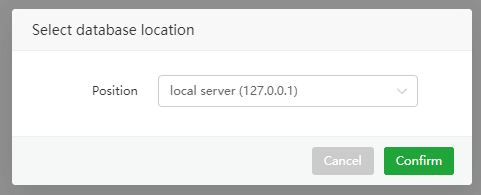
Add a database to local MongoDB or remote server MongoDB
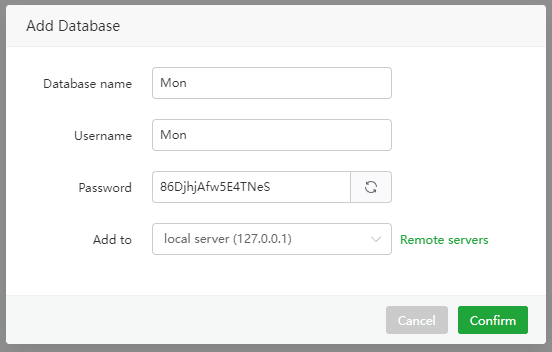
| Function | Example | Describe |
|---|---|---|
Database name | Mon | MongoDB Database name |
| Username | Mon | Database username |
| Password | 86DjhjAfw5E4TNeS | Database password |
| Add to | Local server | Database storage server: Local server, Remote server |
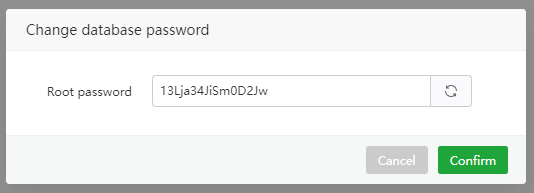
Root Password
- View the local MongoDB root password
- Modify the local MongoDB root password
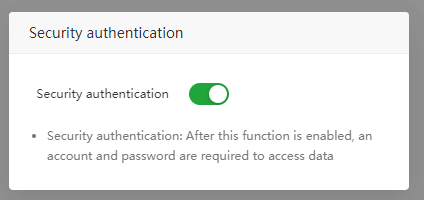
Security authentication
Used to ensure that only authenticated users can access the database to prevent unauthorized access.
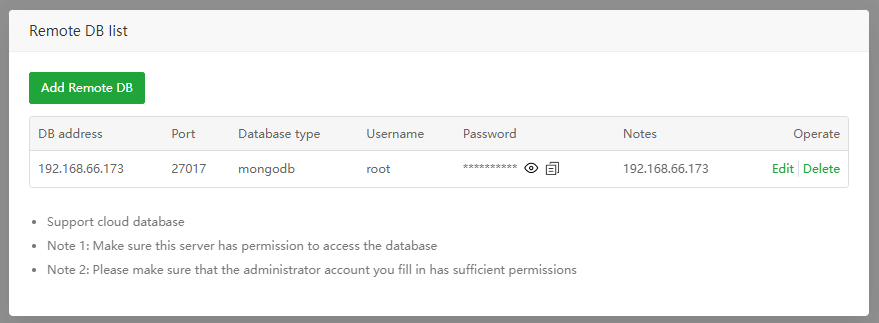
Remote DB
- Add and Manage Remote DB :
- By default aaPanel MongoDB does not allow remote access.
- The remote server system firewall and the server provider's security group need to open the MongoDB port.
Sync all
- Synchronize aaPanel database list to local MongoDB
Get DB from server
Tip: Database password cannot be synchronized
- Obtain the database list from
local MongoDBand synchronize it to aaPanel - Obtain the database list from the
remote MongoDBand synchronize it to aaPanel.
Backup
View, restore, backup, delete, download backup files of the specified database
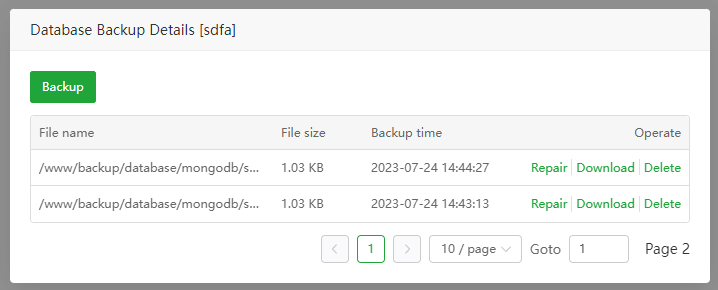
Backup: Backup the current database
Repair: Restore the current database. Note that this operation will overwrite the current database. Please
backup firstbefore performing this operation.Download: Download the backup file of the current database
Delete: Delete the backup file of the current database
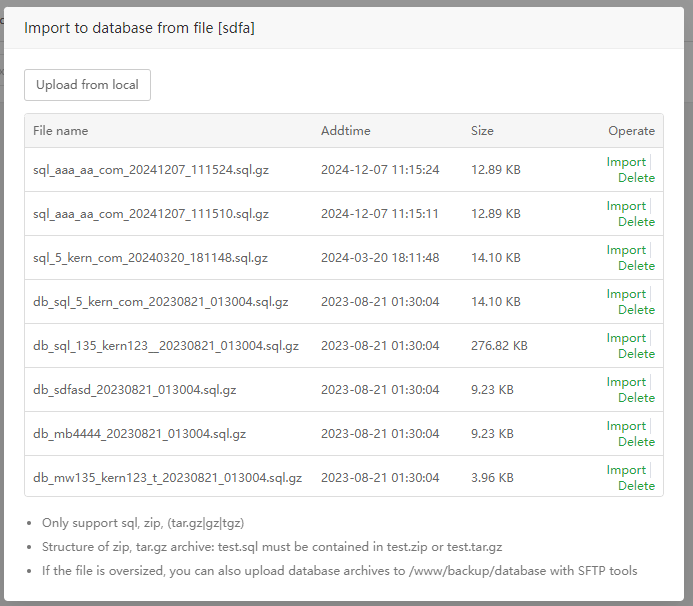
Import
Upload or select files to import into the current database
Upload from local: Upload files from local to import to the current database
Import: Restore the current database. Note that this operation will overwrite the current database. Please
backup firstbefore performing this operation.Delete: Delete file
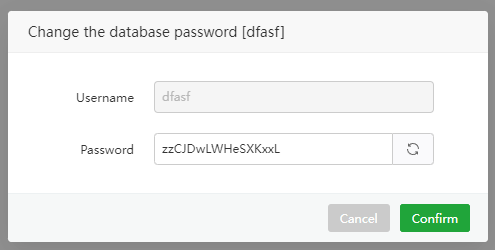
CHG PW
Viewandmodifythepasswordof the specified database in batches
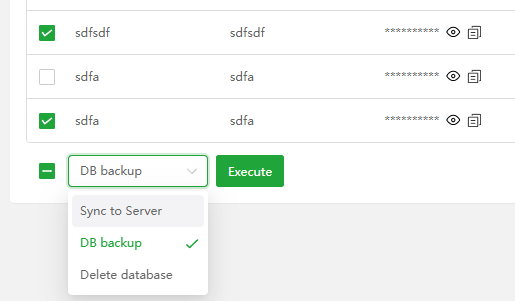
Batch operation
Sync to Server: Synchronize the specified database to MongoDB
DB backup: Batch backup database
Delete database: Delete database in batches, Tip: Please make a backup before deleting
Feedback or Suggestions
If you encounter problems or suggestions during use, please contact us through the following methods:
- (Please describe in
detailor providescreenshots)
Email: [email protected]
Discord: https://discord.gg/Tya5yceBpd
Telegram: https://aapanel.com/tg
GitHub: https://github.com/aapanel/aapanel
If you like aaPanel, please give it a Star