
Terminal
Terminal can connect
Local serverandremote serversto executecommandoperations.
Terminal Overview
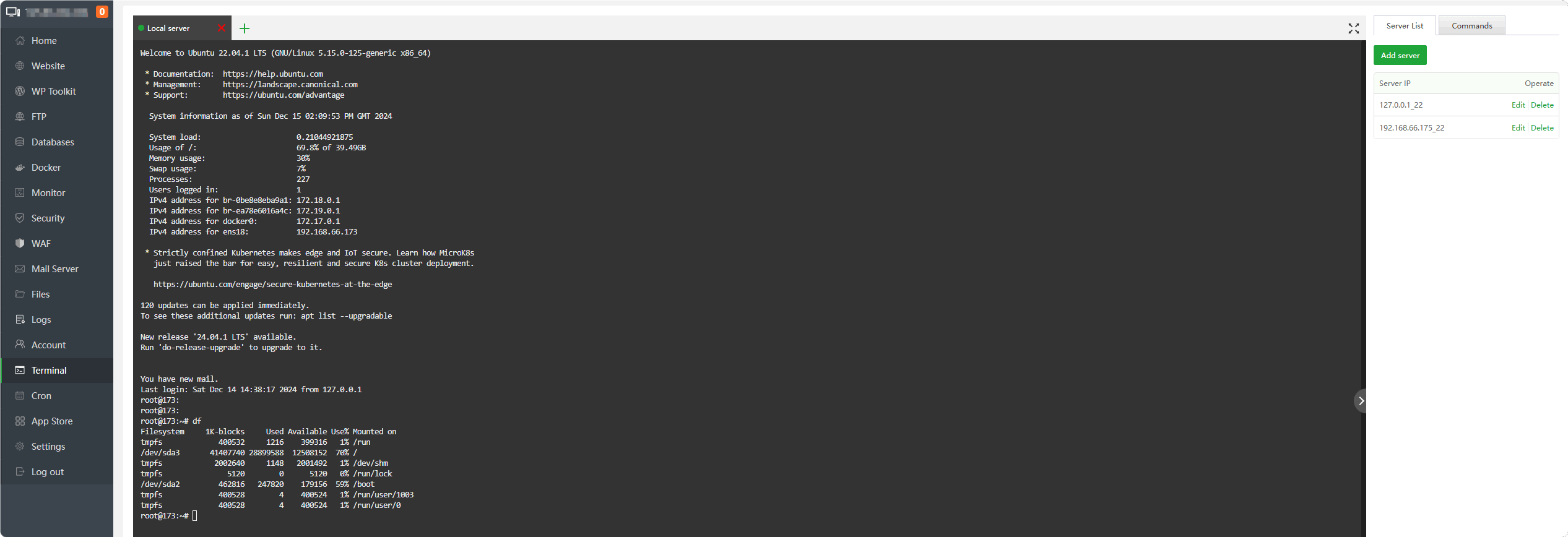
Local server
By default,
Local serveris connected, please pay attention when using it.
Note: Please do
not Terminalimplementbt restart,bt stop,bt 1Waiting for the command to stop aaPanel will cause aaPanel to stop and be unable to connect.
If need to execute, please use the SSH tool to connect to the server to execute, or click Restart on the
Hometorestart.
Add server
Server List --> Add server
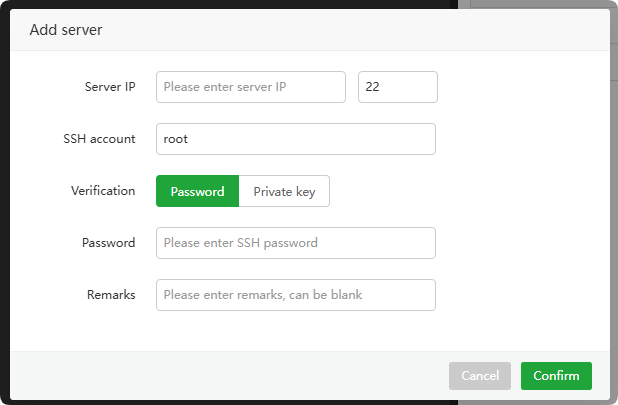
Server IP : Enter the
IP addressordomainof the server to connect toPort : Enter the
port numberof the server to connect to. The default port is22SSH account : Enter login account
Verification
- Password: Enter the login password for verification
- Private key: Enter the contents of the private key file for verification
- Key password : Private key file password, if not available it can be
empty
- Key password : Private key file password, if not available it can be
Remarks : Server's remarks
Add command
Command --> Add command
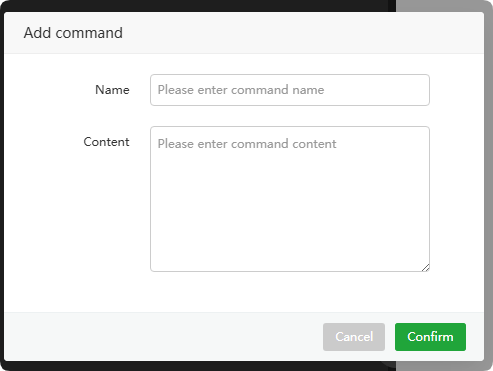
- Name : Enter the command name
- Content : Enter the
commandto be executed