
How to Deploy Gogs with Go Project
Deploy Gogs via Go Project, specify the runtime user as root, and enable port-free access.
Download Gogs
Download URL: https://github.com/gogs/gogs/releases
Please select the corresponding version according to your server architecture.
For Linux X86_64:
wget https://github.com/gogs/gogs/releases/download/v0.14.2/gogs_v0.14.2_linux_amd64.zip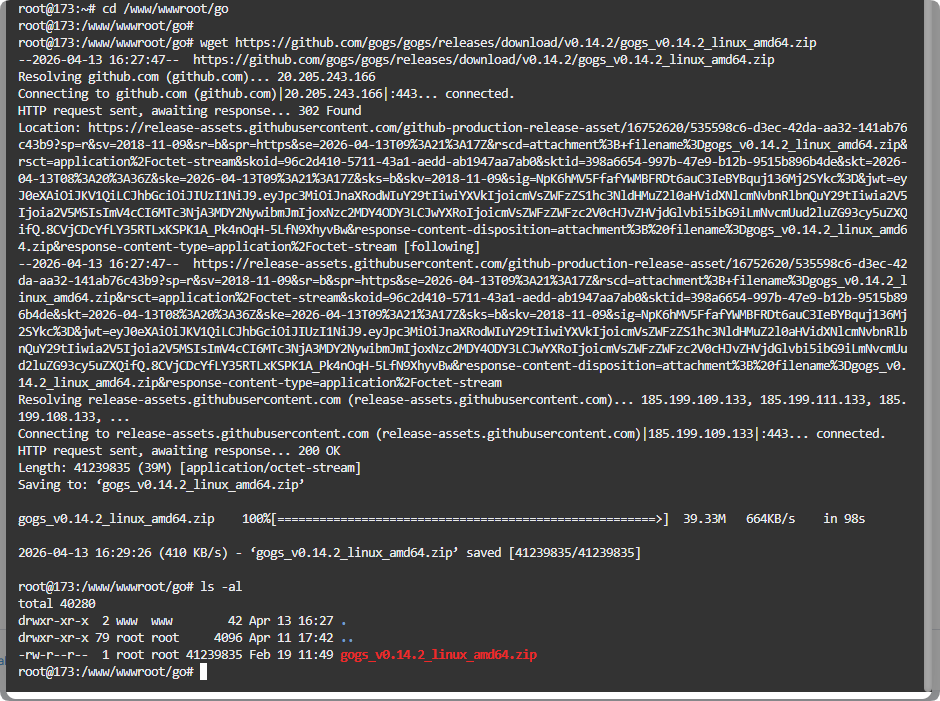
Unzip the Gogs File
- Unzip Gogs
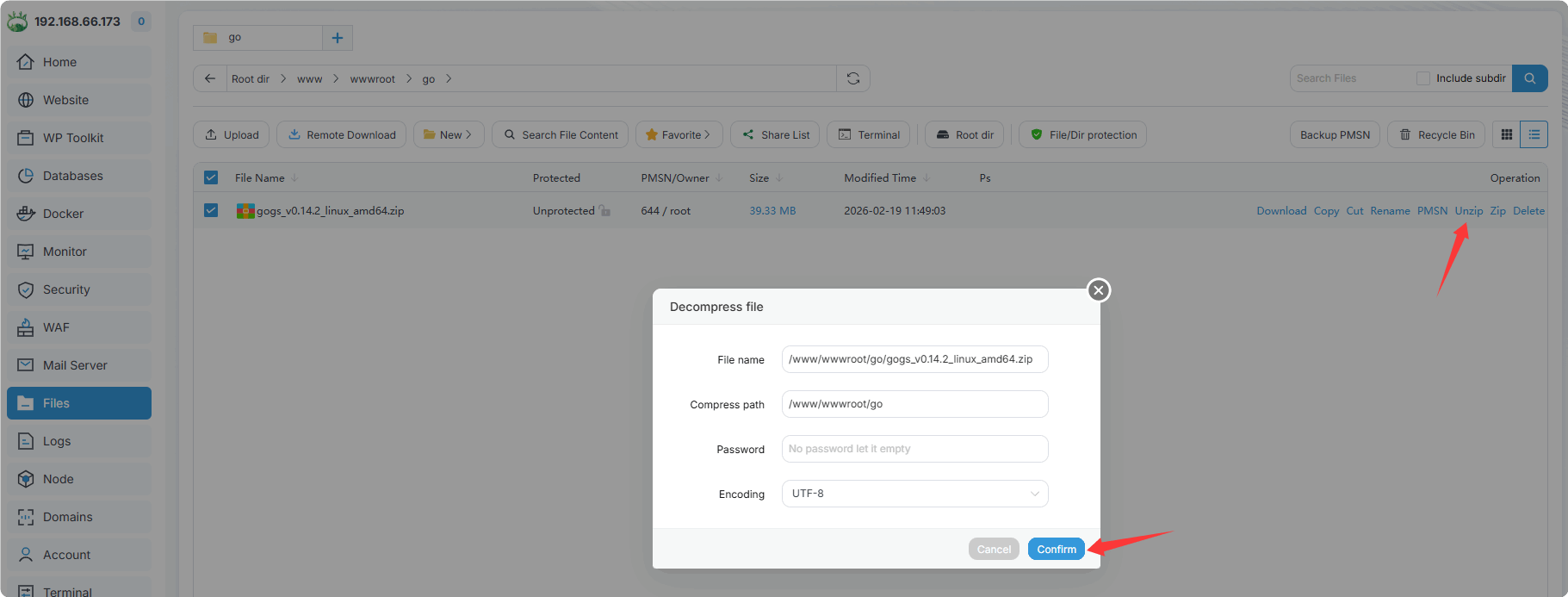
After extraction:
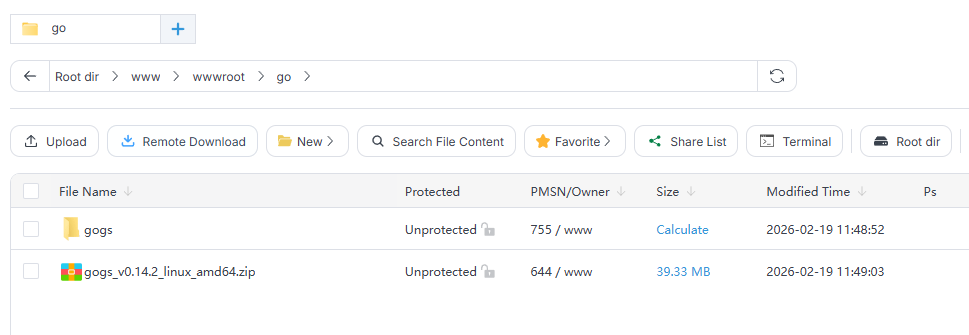
The
gogsdirectory will look like this: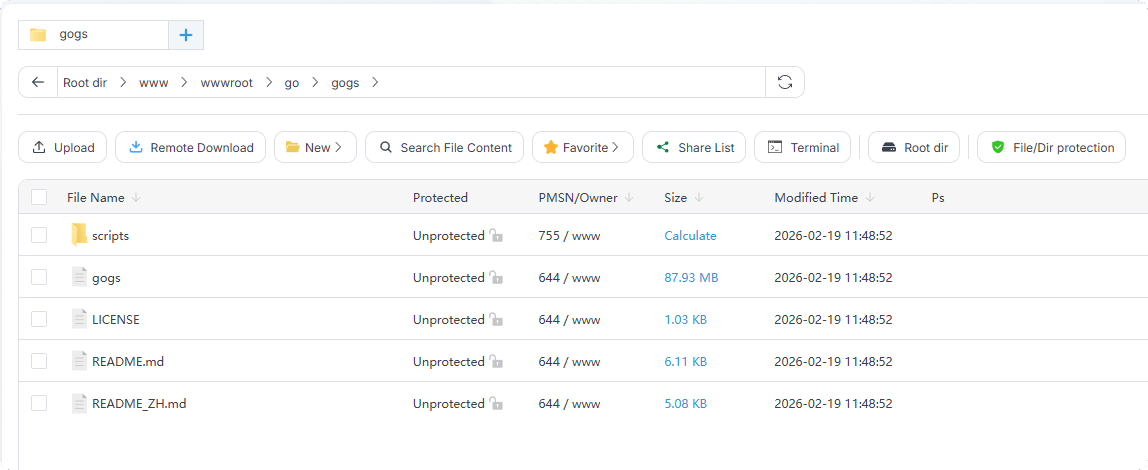
Modify Permissions
Set the executable permission of the gogs directory to 744 and the owner user to root.
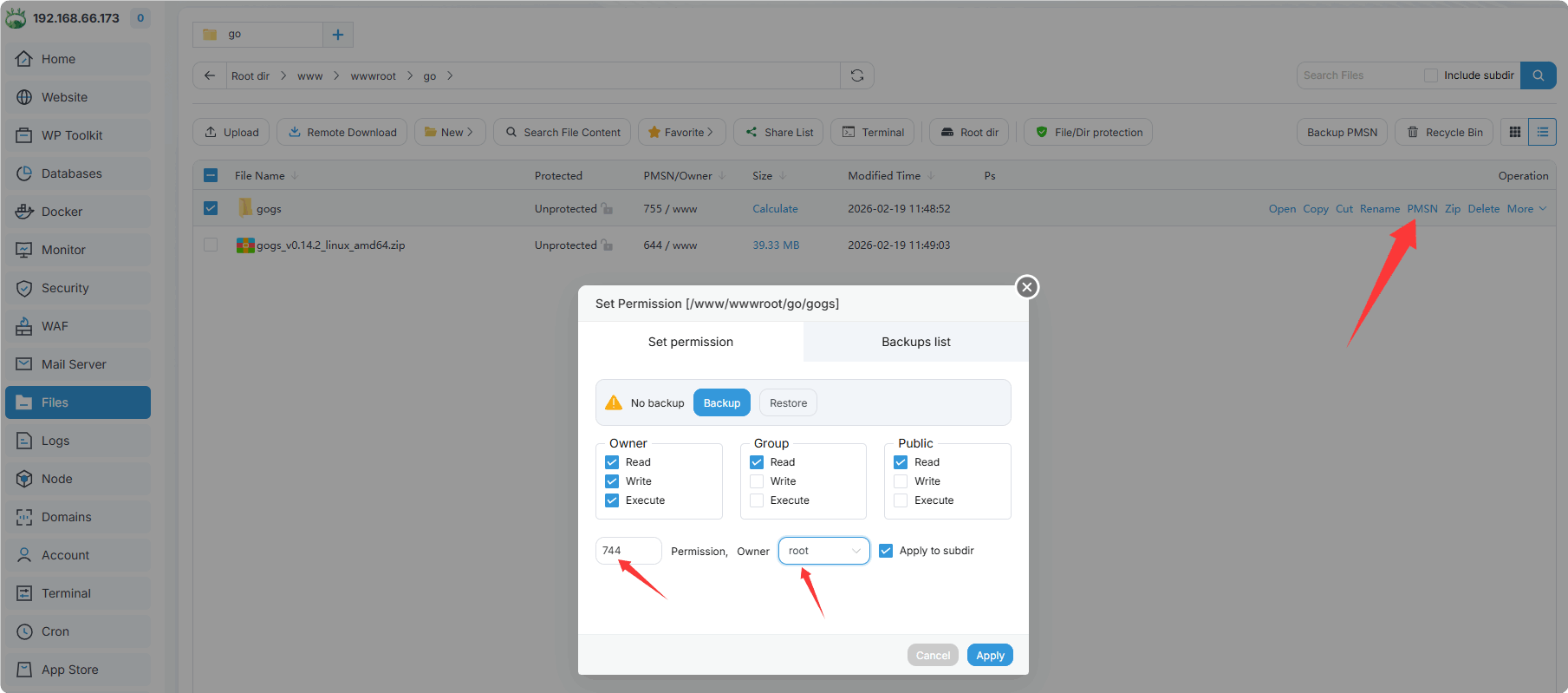
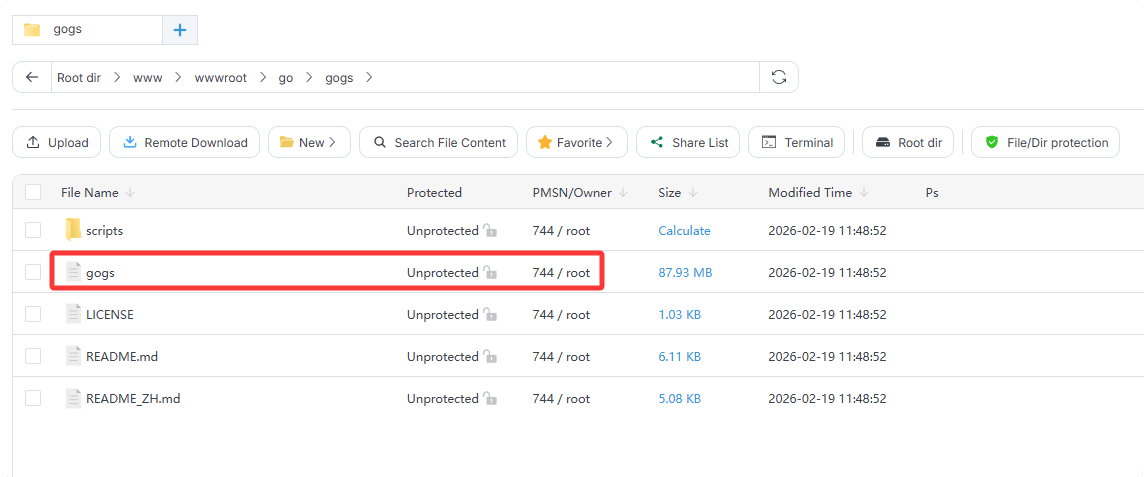
Add Gogs to Go Project
Website -> Go Project -> Add Project
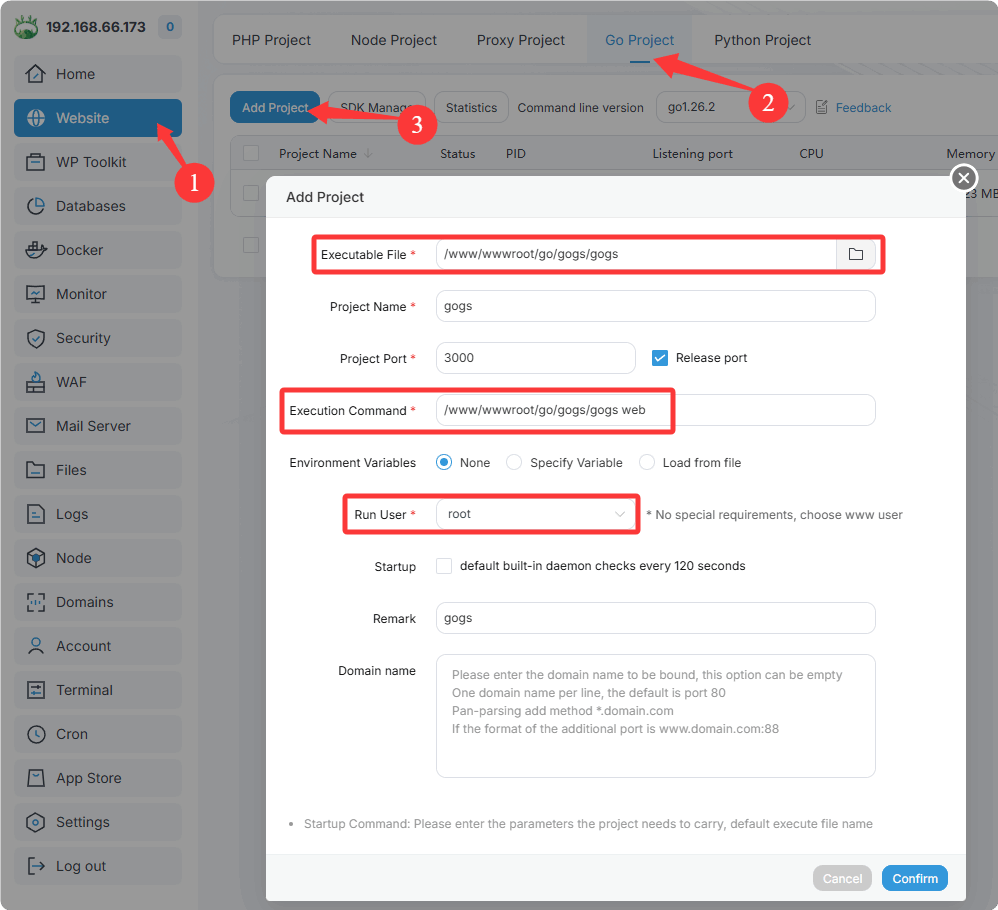
Executable File:
/www/wwwroot/go/gogs/gogsProject Name:
gogsProject Port:
3000, default port used after enabling mappingRelease port: When selected, the system firewall will open the project port automatically
Execution Command:
/www/wwwroot/go/gogs/gogs web, Gogs requires thewebparameter to startRun User:
root
After successful addition, it will display as follows: 
Test Access to Gogs
Visit http://Your-IP:3000 in your browser.
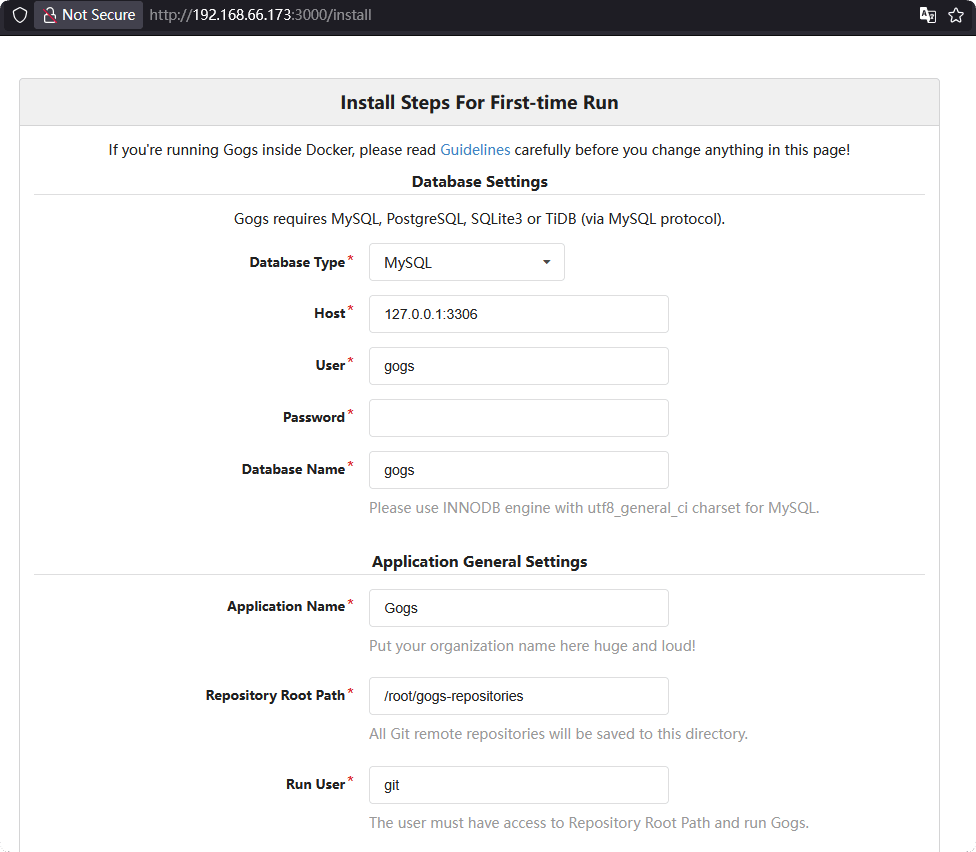
- If you did not select Release port, please open port 3000 manually in the
Securityinterface. - If your server provider has a security group, please open port 3000.
Production-Grade Deployment
Reverse proxy the Gogs port via web server for port-free access through domain.
Add a domain name in the Gogs project's
Domain Manager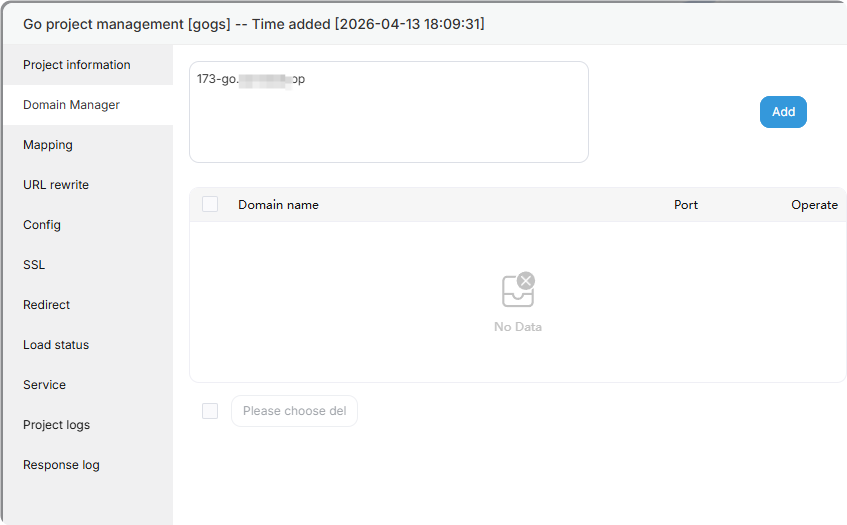
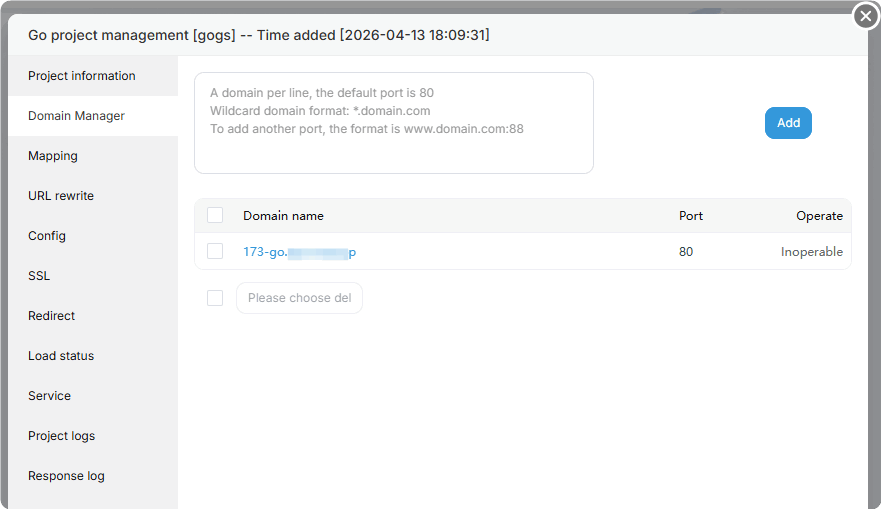
Enable
External network mappingin theMappinginterface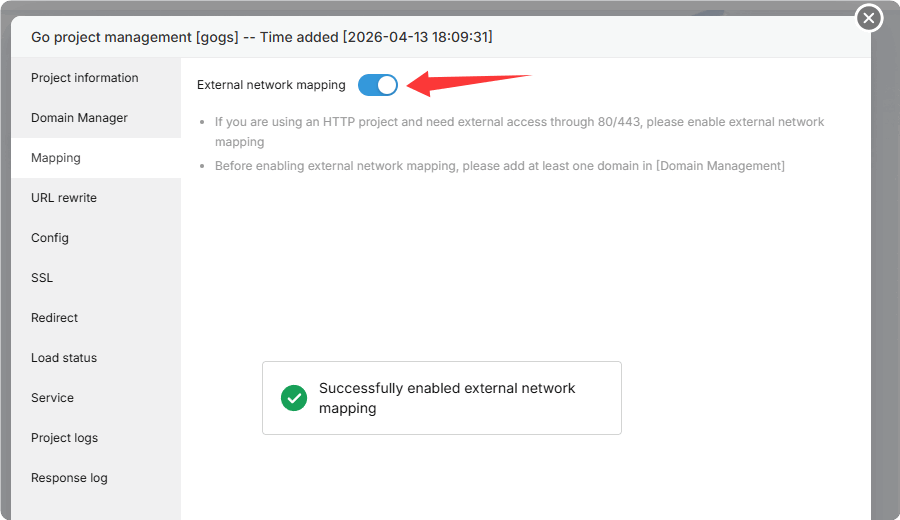
Deploy an SSL certificate in the
SSLinterfaceTest access: https://domain.com
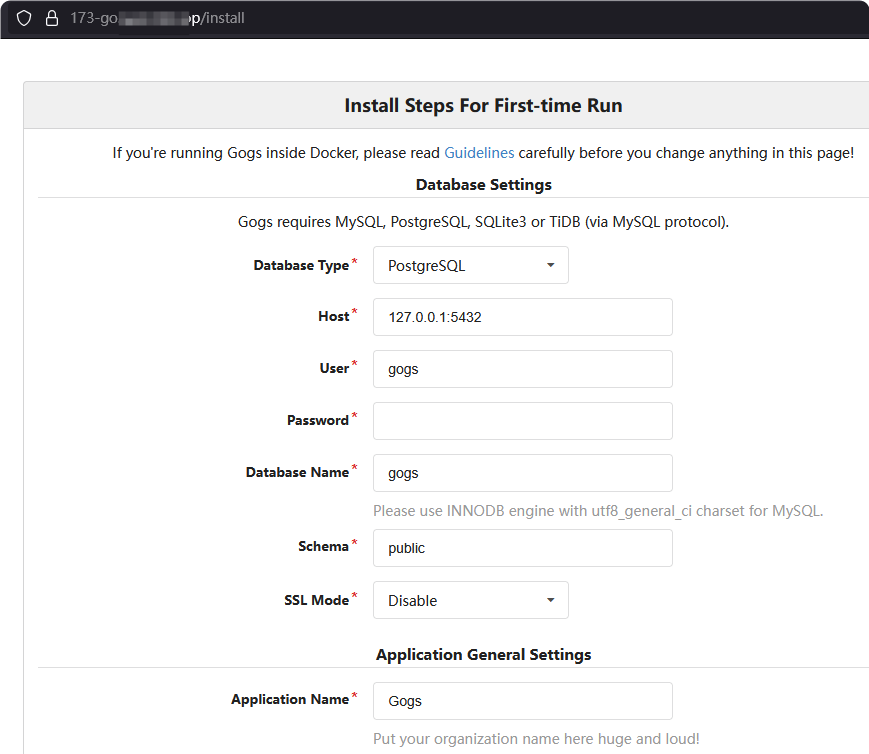
For more configuration about Gogs, please refer to the official documentation: https://gogs.io/