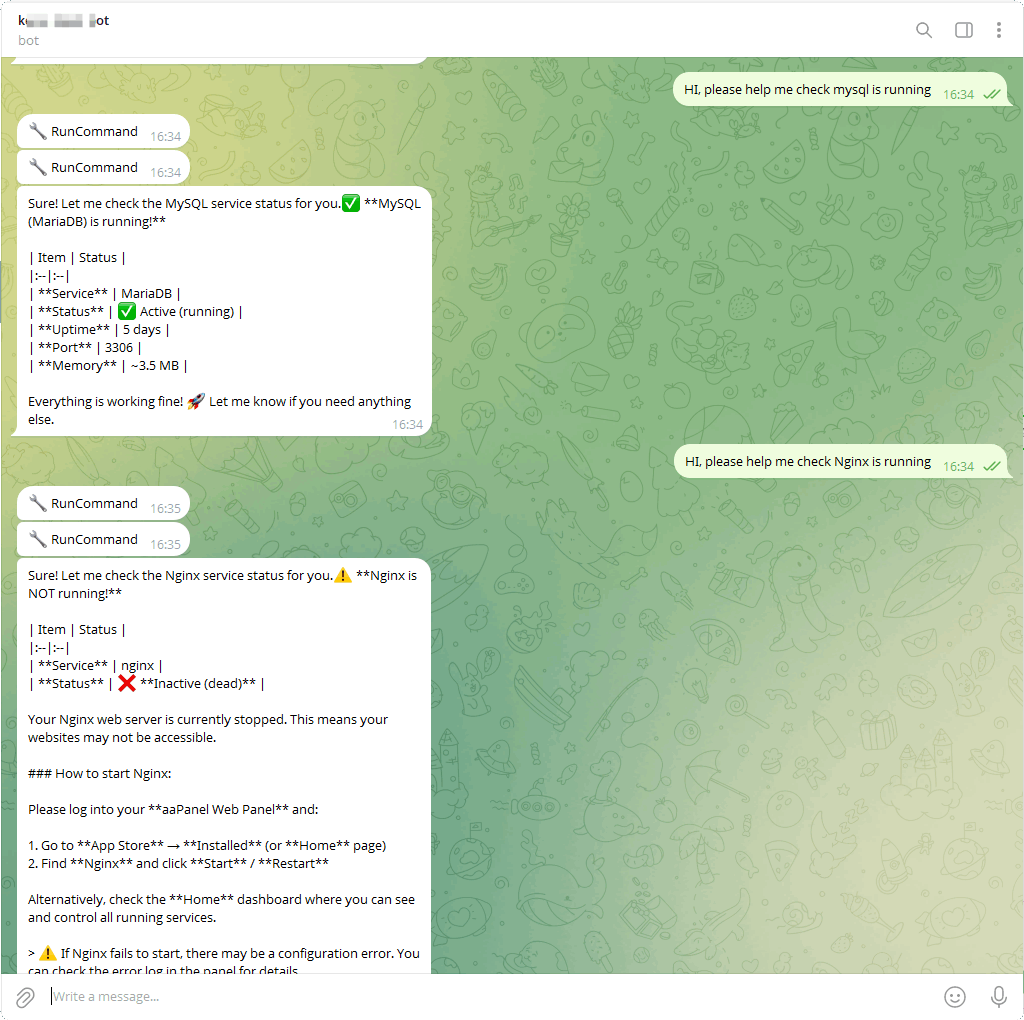
How to add Telegram to panel AI ChatOps
The server must be able to communicate with Telegram (api.telegram.org).
Register a Telegram account
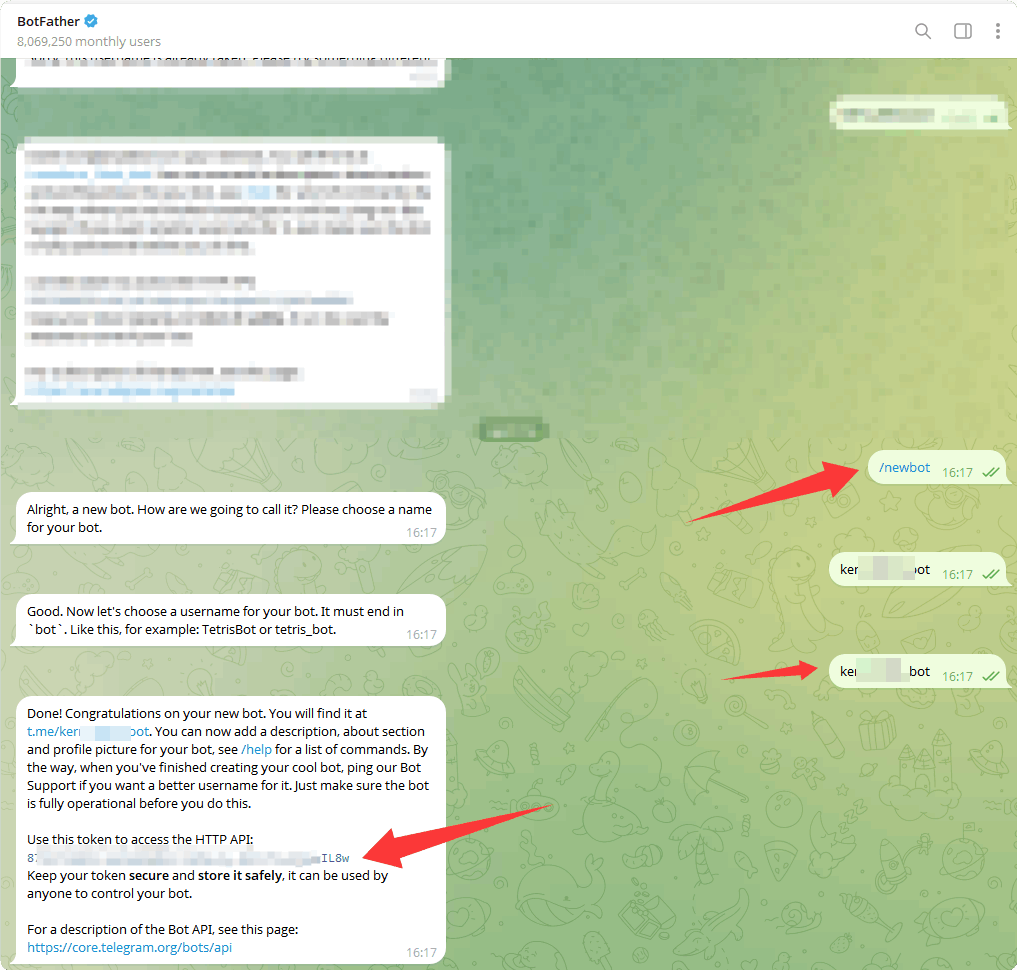
Create a bot via Botfather
- Go to [Botfather: https://t.me/BotFather] to create a bot
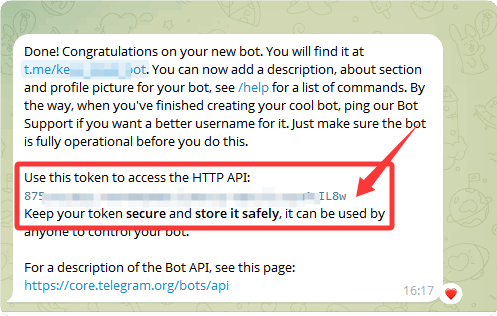
- Click to copy the
token, which will be used for later panel configuration
Enable the Telegram bot
Select your bot in
BotFatherand enable it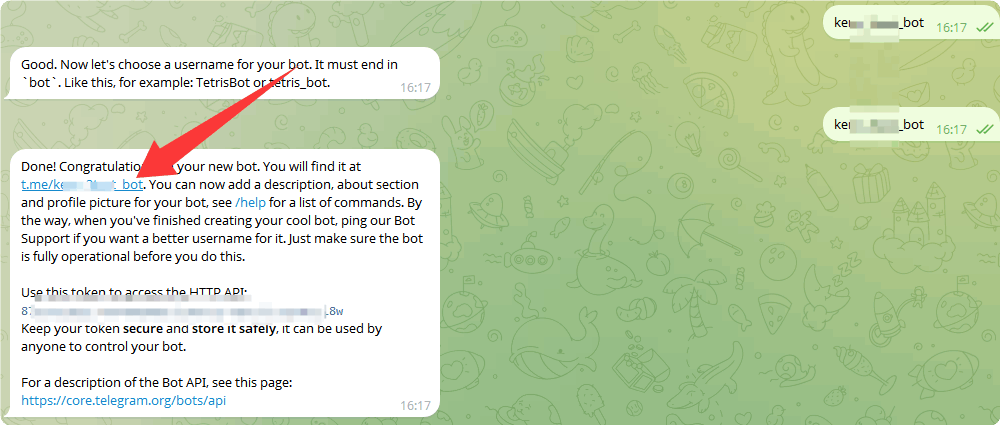
Click
STARTin your bot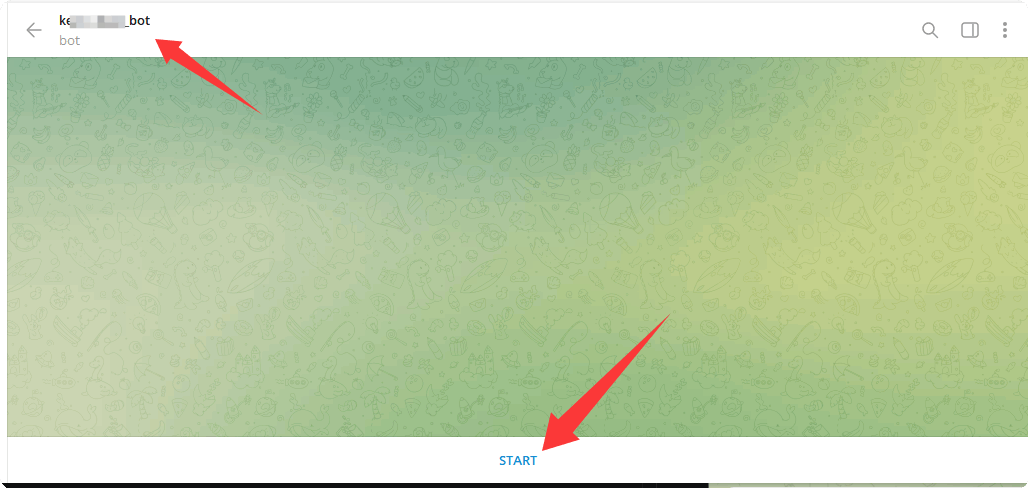
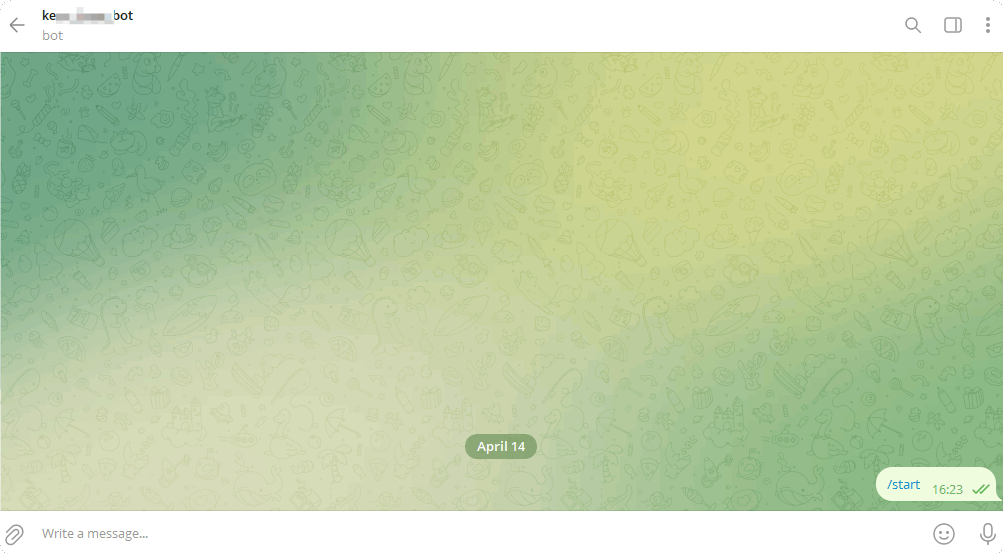
After enabling:
Add Telegram Bot to ChatOps
Go to AI → ChatOps in the panel, then click Add Channel and select Telegram.
Fill in the Telegram Bot configuration:
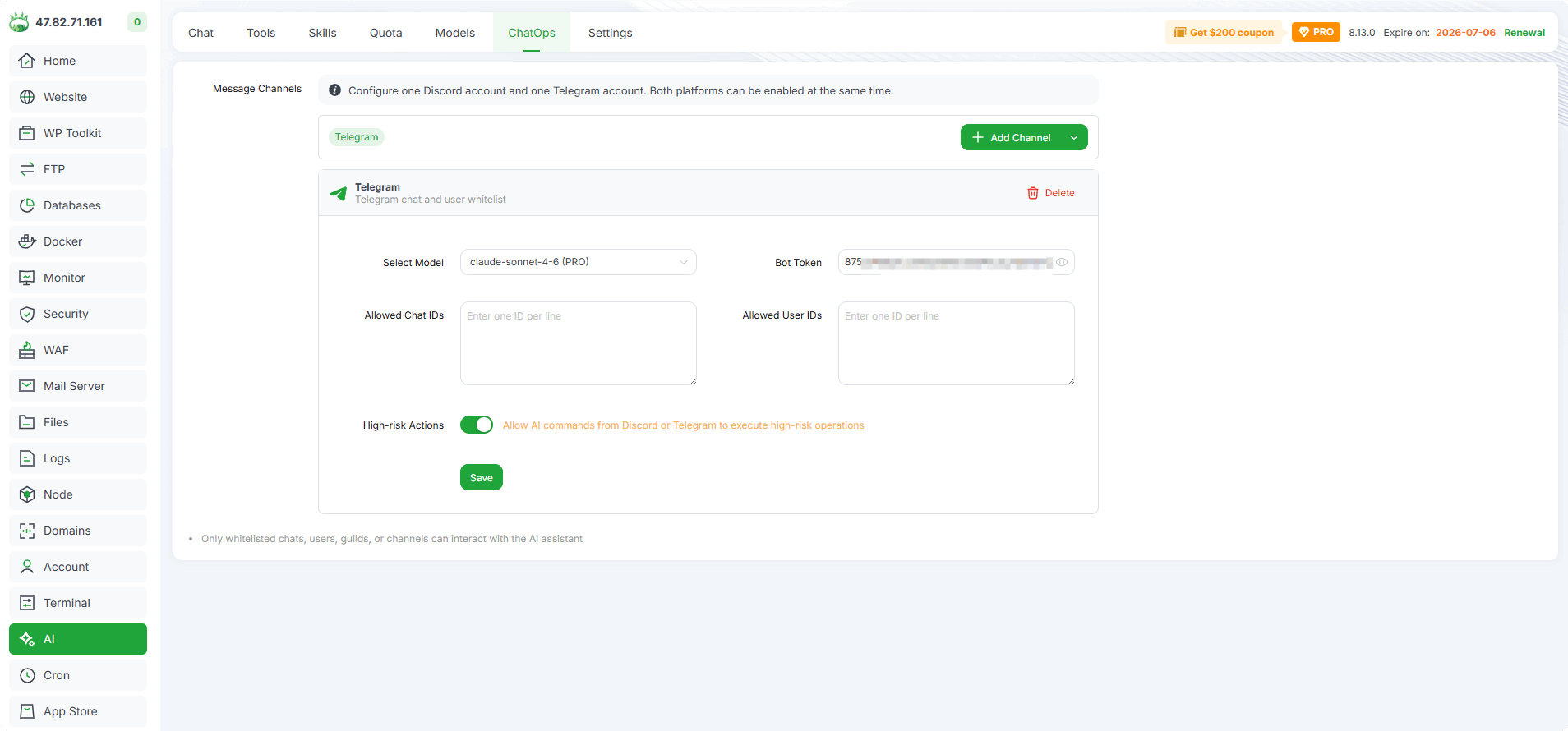
Select Model : Choose the AI model for Telegram interactions.
Bot Token : Paste the Bot Token copied from BotFather.
Allowed Chat IDs (Optional): Enter whitelisted Telegram chat IDs, one per line.
Allowed User IDs (Optional): Enter whitelisted Telegram user IDs, one per line.
High-risk Actions : Toggle to allow AI commands from Telegram to execute high-risk operations.
Click Save to complete the configuration.
Only whitelisted chats and users can interact with the AI assistant. If left empty, all chats and users can interact.
Test Telegram bot
In Telegram, send a message to your bot to start chatting with the panel AI.